Edit the words.
The video follows.
Transcribe on your Mac. Delete a sentence, its frames go too.
Try BeeRoll free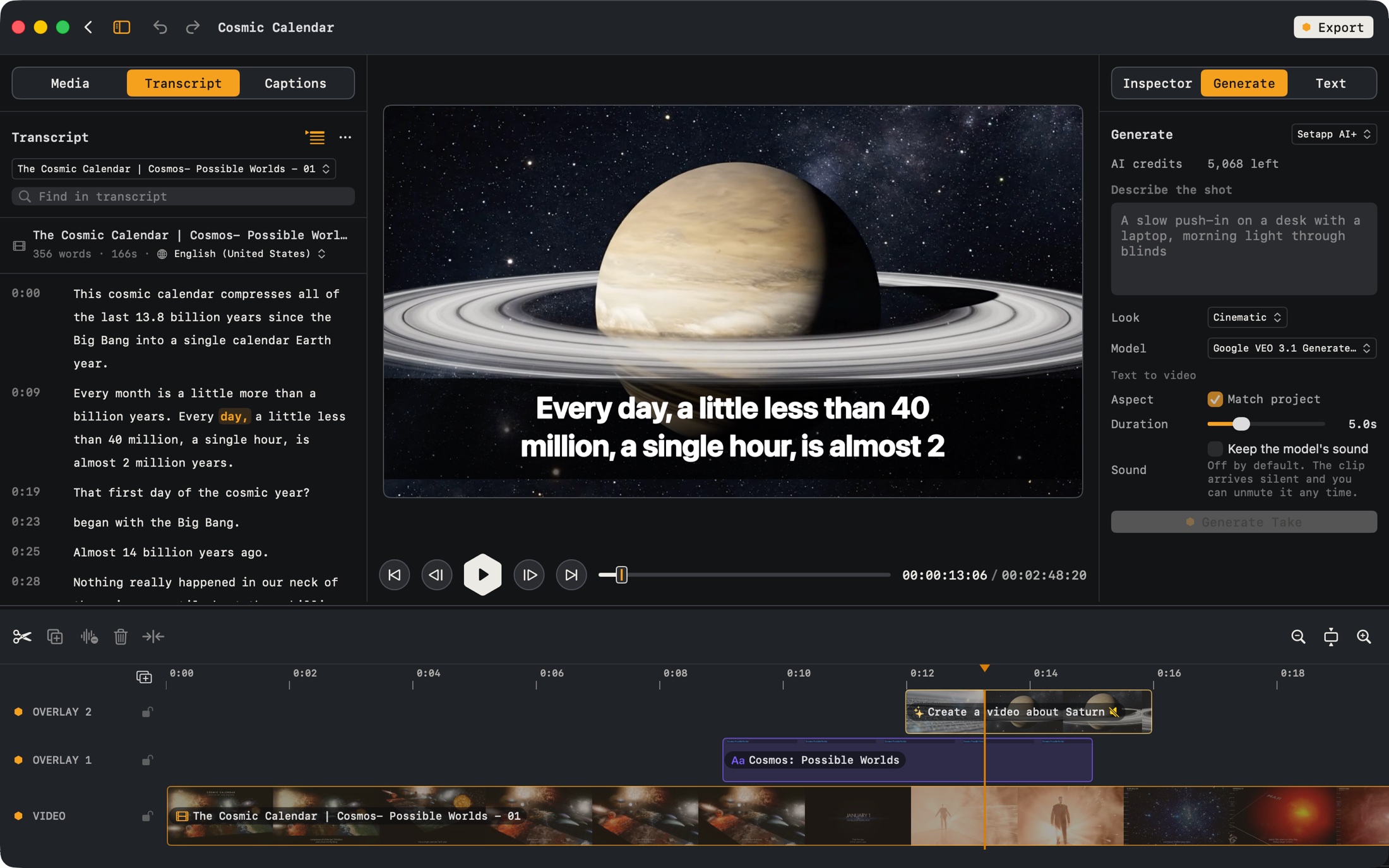
One video, start to finish.
- 00:00:00IMPORT
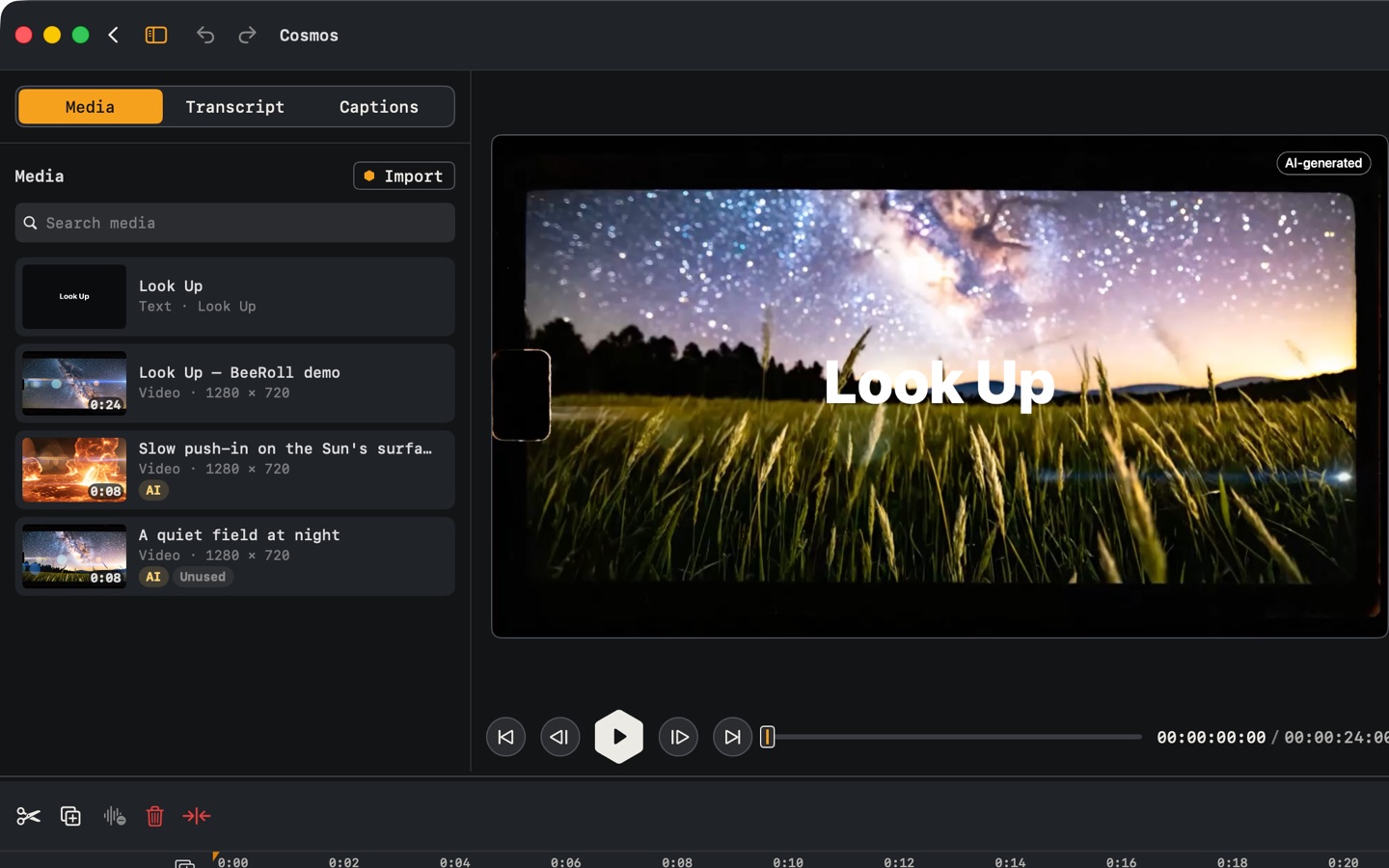
Drop in a video.
Anything your Mac can play.
- 00:00:09CUT
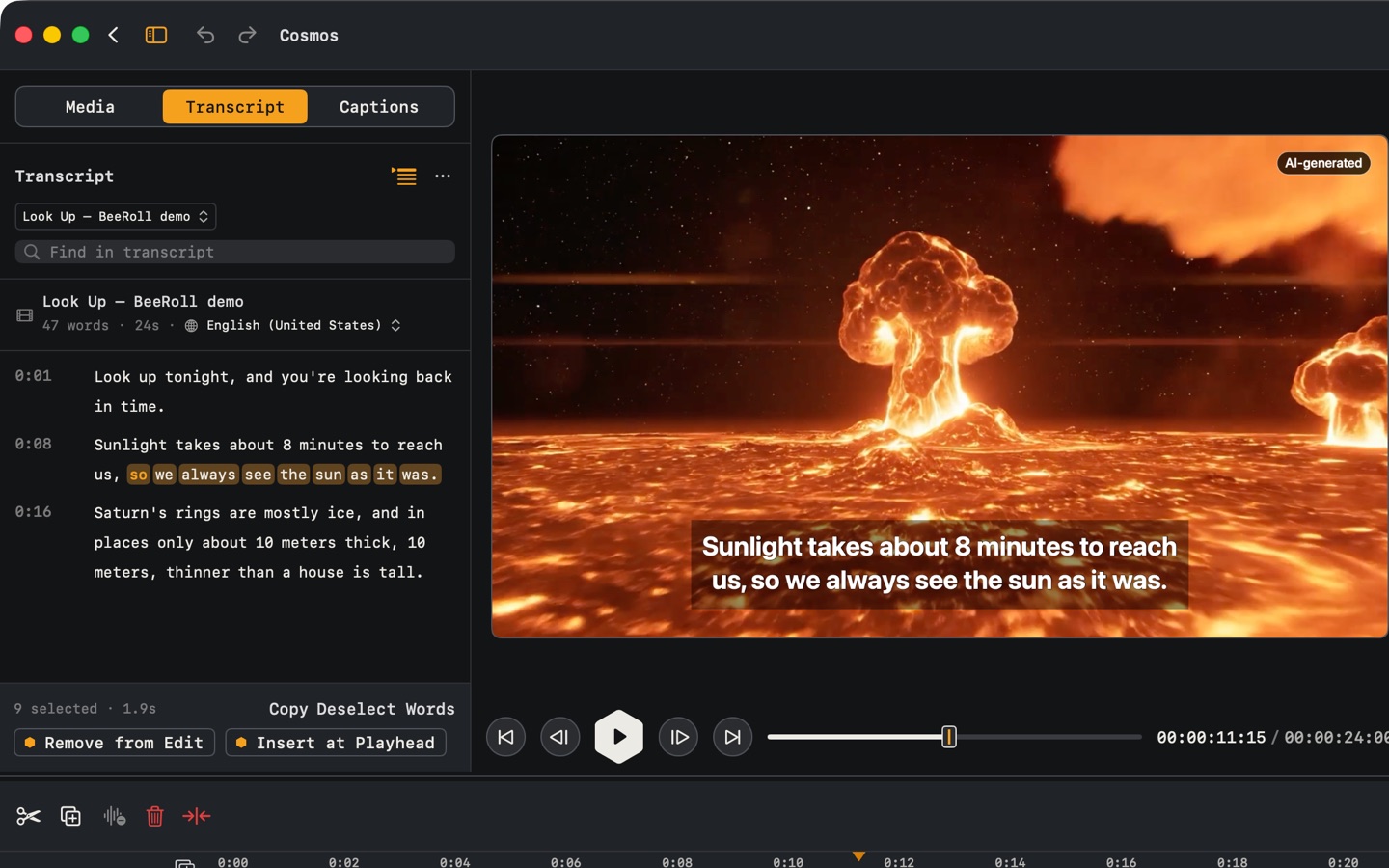
Cut by deleting words.
Transcribed on your Mac. Select a phrase, remove it.
- 00:00:19GENERATE
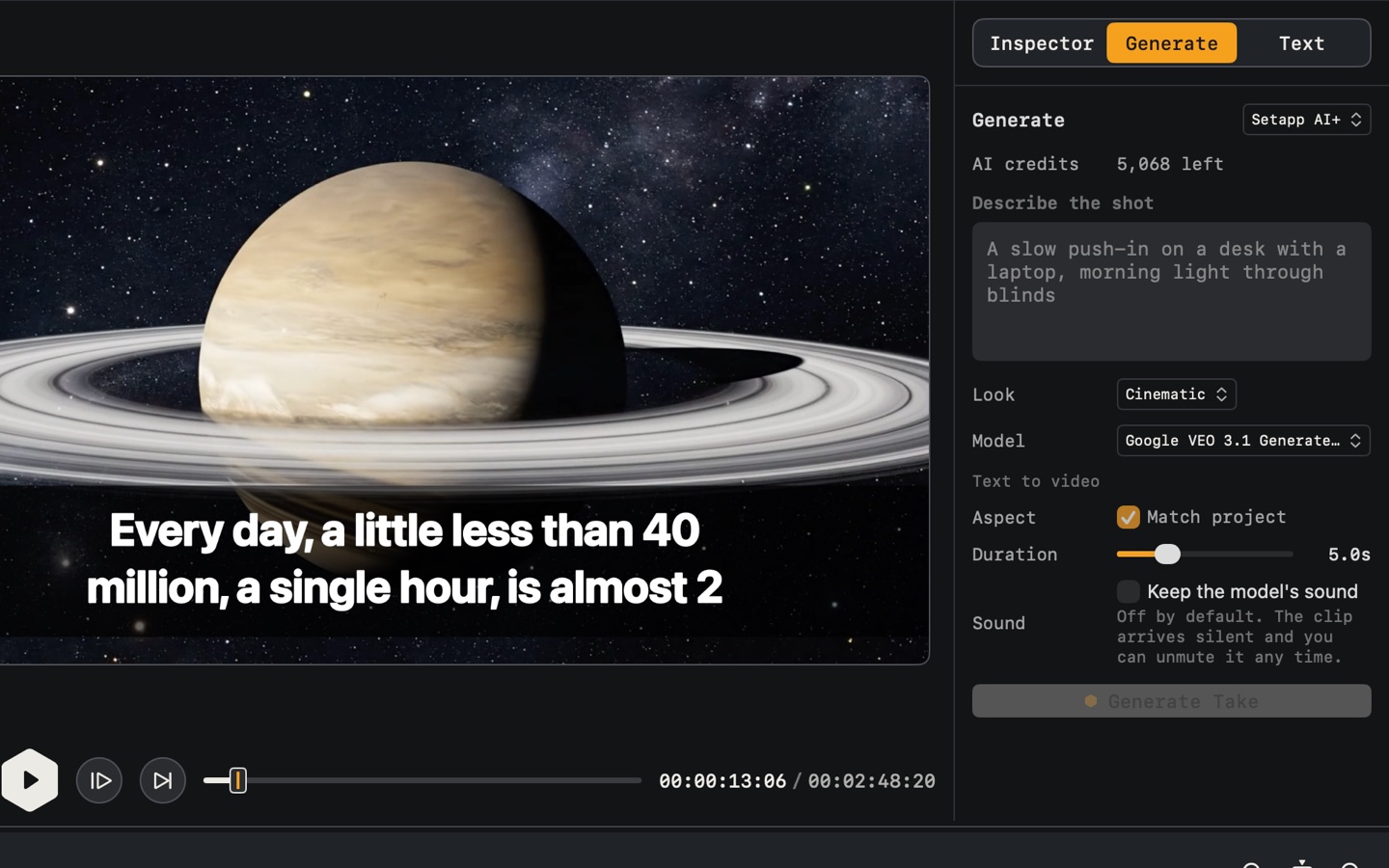
Missing a shot? Generate it.
Describe it, get a take that fits your project.
- 00:00:31LAYER
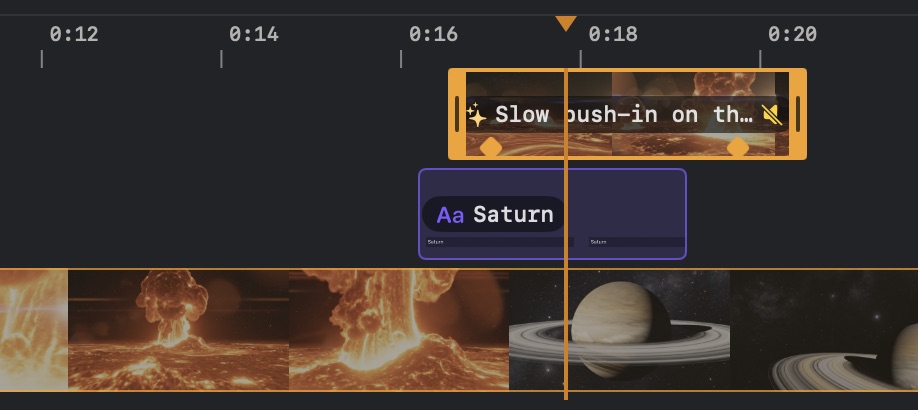
Stack it on a real timeline.
Overlays, titles, splits, picture-in-picture.
- 00:00:47ANIMATE
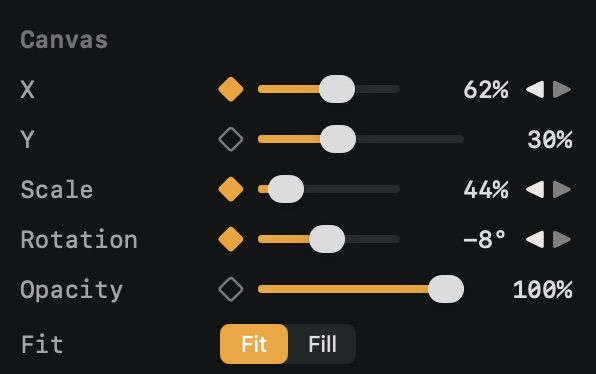
Move it with keyframes.
Position, scale, rotation, opacity, speed.
- 00:01:02EXPORT
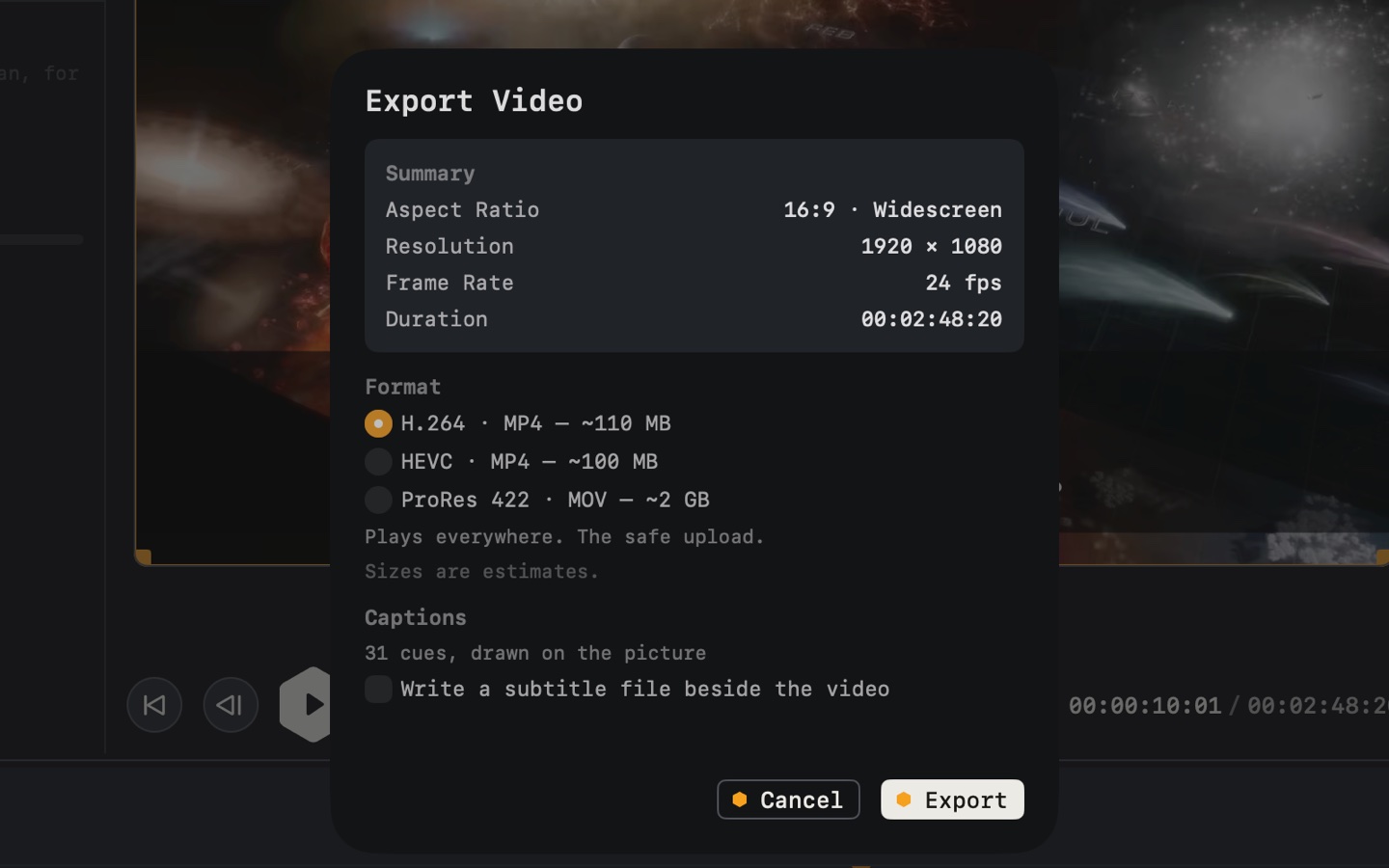
Know the size first.
H.264, HEVC or ProRes.
Delete a line.
Its frames go too.
Two shots made in BeeRoll, captioned and playing. Click a line to cut it and watch the edit skip it.
Missing a shot?
Describe it.
BeeRoll generates it to fit your project. Drop it on the timeline.
- Starts only when you press Generate
- Cost shown before you spend
- Labeled as AI-made on export
Free to edit. Credits to generate.

BeeRoll
by MacPaw · on Setapp
Free to install.
Free to edit.
- Editing is free. Transcripts, cuts, captions, titles and export.
- The cost shows first. An estimate appears before you generate.
- Your balance is always on the Generate panel.
Free to install.
Runs through Setapp.
AI credits only for AI shots.
Runs on Setapp AI credits
Each AI shot uses credits from your Setapp account. They come with Setapp Membership, or you can buy them separately.
- One balancefor every Setapp app
- Shown up frontan estimate before you generate
- Pay for what you useshorter takes cost less
- Safe if you run outyour project stays intact
Your video stays on your Mac.
BeeRoll transcribes and edits on your Mac. Your footage is never uploaded.
- Your video and audio
- Transcript and captions
- Every edit you make
- Shot descriptiononly when you press Generate
- Usage statsanonymous, and you can turn them off
Your free start goes through Setapp.
Setapp is MacPaw’s app platform. It installs and updates BeeRoll for you.
- 1
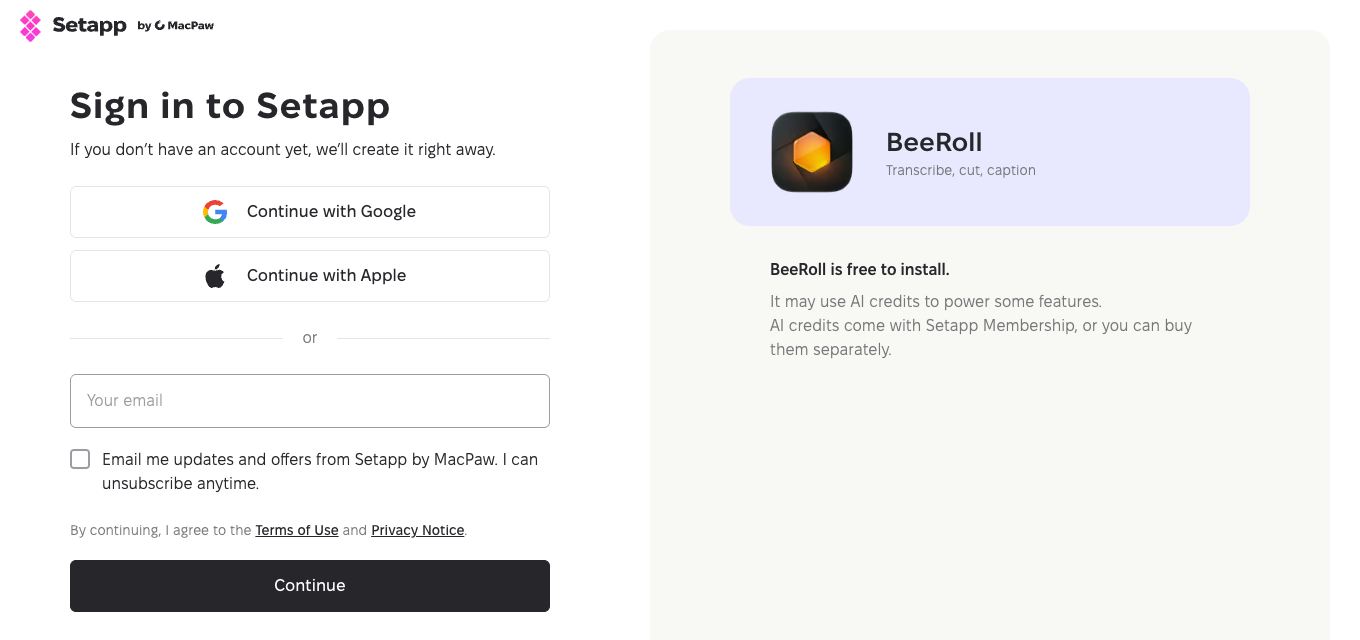
Sign in or create an account
Use Google, Apple or your email. New accounts are created on the spot.
- 2
Install Setapp and BeeRoll
Setapp downloads to your Mac and installs BeeRoll for you.
- 3
Open BeeRoll
Drop in a video and press Transcribe.
- Editing
- Transcripts, cuts, captions, titles and export. Free.
- Updates
- Installed and kept current by Setapp.
- AI shots
- Use Setapp AI+ credits, shown before you spend.
Questions, transcribed.
00:00:00YOUIs BeeRoll free?
00:00:04BEEROLLYes. Editing, transcription, captions and export are free. Only AI shots use Setapp AI+ credits.
00:01:00YOUHow do I get more AI credits?
00:01:04BEEROLLPress Get credits in the Generate panel. They come with Setapp Membership, or you can buy them separately.
00:02:00YOUIs my video uploaded?
00:02:04BEEROLLNo. It’s transcribed and edited on your Mac. Only a shot description is sent, when you generate.
00:03:00YOUWhy does the button open Setapp?
00:03:04BEEROLLBeeRoll ships through Setapp, MacPaw’s app platform. It installs and updates BeeRoll, and the same account holds your AI credits.
00:04:00YOUWhat do I need?
00:04:04BEEROLLA Mac with macOS 26 Tahoe or later.